.png?width=201&height=201&name=Maintenance%20(Videoannonce%20%E2%80%93%20LinkedIn).png)

Will switching to FlightLogger disrupt your operation? Here’s what actually happens
“Switching to FlightLogger will disrupt our operation.”
It’s a common concern - and a valid one.
Because in flight training, operations don’t pause.
Students are progressing. Flights are scheduled. Instructors are working across lessons. Compliance requirements are ongoing.
There’s no window where everything stops so a new system can be introduced.
So the concern isn’t just about switching systems.
It’s about what happens to everything already in motion - when you switch to FlightLogger.
Why it feels risky
Introducing a new system into an active training operation can feel like making changes mid-flight.
Schedules are live. Records are in use. Teams depend on existing workflows.
It can feel like “surgery on a live operation”.
And the risks seem obvious:
• Disruption to daily training schedules
• Data inconsistencies during transition
• Resistance from instructors and staff
• Pressure on compliance and documentation
For most schools, stability matters more than improvement if improvement comes with risk.
How FlightLogger is designed to avoid disruption
Switching to FlightLogger isn’t treated as a system change. It’s treated as a controlled transition.
The onboarding process is designed to run alongside your existing operation, not interrupt it.
Parallel Setup
Your current system continues running while FlightLogger is configured, tested, and validated.
Structured Onboarding (4–6 weeks)
A dedicated onboarding team guides the process step by step, ensuring that setup is handled efficiently with minimal effort from your side.
Guided Data & Workflow Setup
Courses, users, documents, and operational processes are structured within FlightLogger before full transition.
Fast adoption - because it fits real workflows
Adoption isn’t about training alone.
It’s about whether the system reflects how your operation actually works.
FlightLogger is designed for instructors, admins, and operations teams - so they can start using it without changing how they work.
Your team is trained during onboarding and supported continuously after go-live.
Proof - what onboarding looks like in practice
Organizations transitioning to FlightLogger consistently highlight both the speed and structure of the onboarding process.
As the Head of Training at KLM Flight Academy describes:
“We are really impressed about the quality and speed of which our entire portfolio of courses, users, documents, resources and procedures were incorporated into the FlightLogger platform during the onboarding.”
Beyond onboarding, the transition into daily operations is just as important.
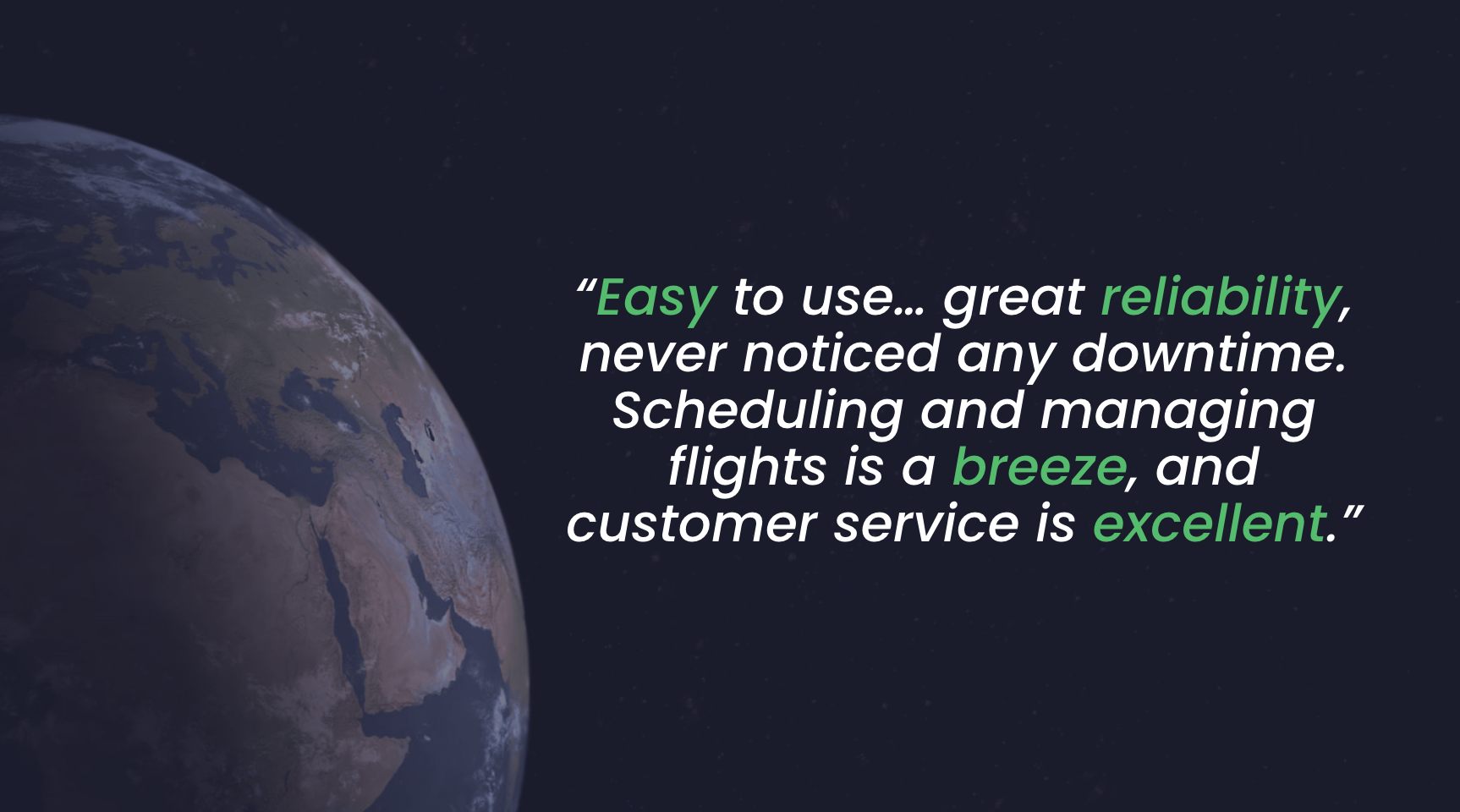
As one operations coordinator explains:
“Easy to use… great reliability, never noticed any downtime. Scheduling and managing flights is a breeze, and customer service is excellent.”
Together, this reflects what a successful transition should look like:
• No disruption to daily operations• Immediate usability across teams
• Stable, reliable system performance from day one
Support doesn’t stop after Go-Live
Switching successfully isn’t just about onboarding, it’s about what happens after.
With FlightLogger, you don’t transition and then get left on your own.
You become part of a client care program, including:
• Ongoing training and refresher sessions• Access to client success experts
• Continuous support and guidance
• Online help center and resources
This ensures your operation continues to improve without disruption.
The real risk isn’t switching to FlightLogger but staying
The bigger risk is staying with systems that:
• Depend on manual workarounds• Create gaps in data and visibility
• Slow down operations over time
These issues don’t disrupt your operation overnight.
They gradually hold it back.
Looking forward
Switching to FlightLogger isn’t about stopping your operation.
It’s about improving it, while it keeps running.
FlightLogger never sleeps - so your operation keeps moving, even as your system evolves.
Want a walkthrough?
See how FlightLogger onboarding works and how you can switch without disruption